
运维服务
docker离线安装
一、准备工作:确认架构并下载安装包 1.1 确认目标服务器架构 在目标服务器上执行以下命令,确认系统架构: 输出 x8664:对应 amd64 架构(Intel/AMD 64位服务
[root@www.wulaoer.org ~]# java -version
java version "1.8.0_201"
Java(TM) SE Runtime Environment (build 1.8.0_201-b09)
Java HotSpot(TM) 64-Bit Server VM (build 25.201-b09, mixed mode)
下载wildfly服务,并解压
[root@www.wulaoer.org ~]# cd /usr/local/
[root@www.wulaoer.org local]# wget https://download.jboss.org/wildfly/9.0.0.Final/wildfly-9.0.0.Final.tar.gz
[root@www.wulaoer.org local]# tar -zxf wildfly-9.0.0.Final.tar.gz
配置wildfly限制,默认wildfly的配置是127.0.0.1,需要修改成0.0.0.0可以任何客户端都能请求。
[root@www.wulaoer.org ~]# cd /usr/local/wildfly-9.0.0.Final
[root@www.wulaoer.org wildfly-9.0.0.Final]# cd standalone/configuration/
[root@www.wulaoer.org configuration]# vim standalone.xml
......
    <interfaces>
        <interface name="management">
            <inet-address value="${jboss.bind.address.management:0.0.0.0}"/>
        </interface>
        <interface name="public">
            <inet-address value="${jboss.bind.address:0.0.0.0}"/>
        </interface>
        <!-- TODO - only show this if the jacorb subsystem is added  -->
        <interface name="unsecure">
......
配置wildfly服务的端口
[root@www.wulaoer.org configuration]# vim standalone.xml
......
 </interfaces>
    <socket-binding-group name="standard-sockets" default-interface="public" port-offset="${jboss.socket.binding.port-offset:0}">
        <socket-binding name="management-http" interface="management" port="${jboss.management.http.port:9990}"/>
        <socket-binding name="management-https" interface="management" port="${jboss.management.https.port:9993}"/>
        <socket-binding name="ajp" port="${jboss.ajp.port:8009}"/>
        <socket-binding name="http" port="${jboss.http.port:8081}"/>  #http请求的端口
        <socket-binding name="https" port="${jboss.https.port:8443}"/> #https请求端口
        <socket-binding name="txn-recovery-environment" port="4712"/>
        <socket-binding name="txn-status-manager" port="4713"/>
        <outbound-socket-binding name="mail-smtp">
            <remote-destination host="localhost" port="25"/>
......
wildfly的项目存储路径可以放在
[root@www.wulaoer.org configuration]# ll /usr/local/wildfly-9.0.0.Final/standalone/deployments/启动wildfly服务,可以使用下面的命令
[root@www.wulaoer.org configuration]# cd /usr/local/wildfly-9.0.0.Final/bin/
[root@www.wulaoer.org bin]# sh standalone.sh &
下面我请求一下看看,wildfly的默认页面
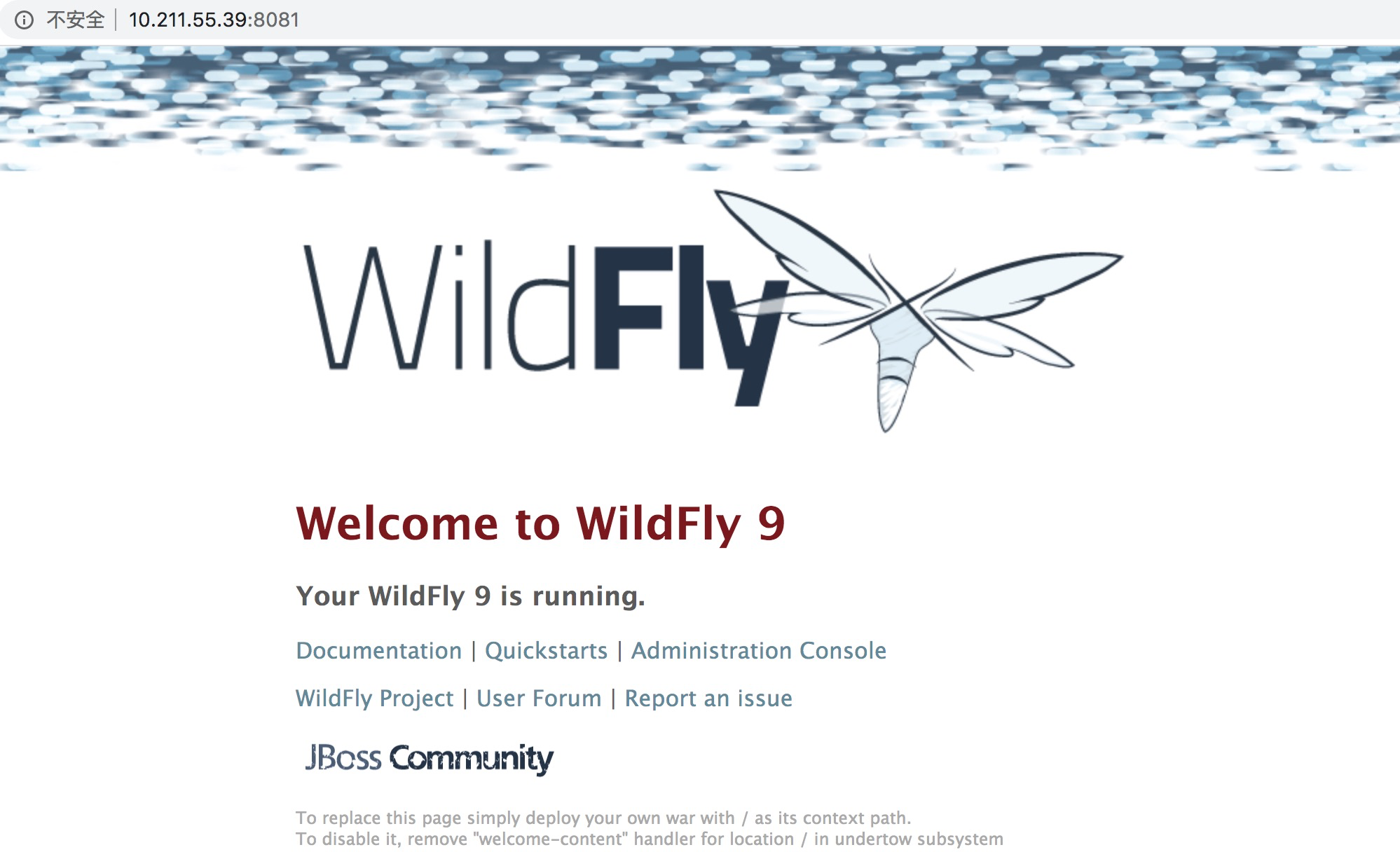 wildfly服务就搭建好了,后期还有其它的知识点在另作处理。
一、准备工作:确认架构并下载安装包 1.1 确认目标服务器架构 在目标服务器上执行以下命令,确认系统架构: 输出 x8664:对应 amd64 架构(Intel/AMD 64位服务

1\. 环境准备 操作系统:推荐使用 Ubuntu 22.04 / Debian 12 权限:需要 root 或 sudo 权限 网络:确保服务器有公网 IP,并且 UDP 119

我的环境是这样的,在window里共享里一个目录然后需要在pod里可以读取这个目录,想过使用直接把共享目录接入到kubernetes集群里,发现,无法直接读取共享的目录,没有办法,
评论 0