云原生
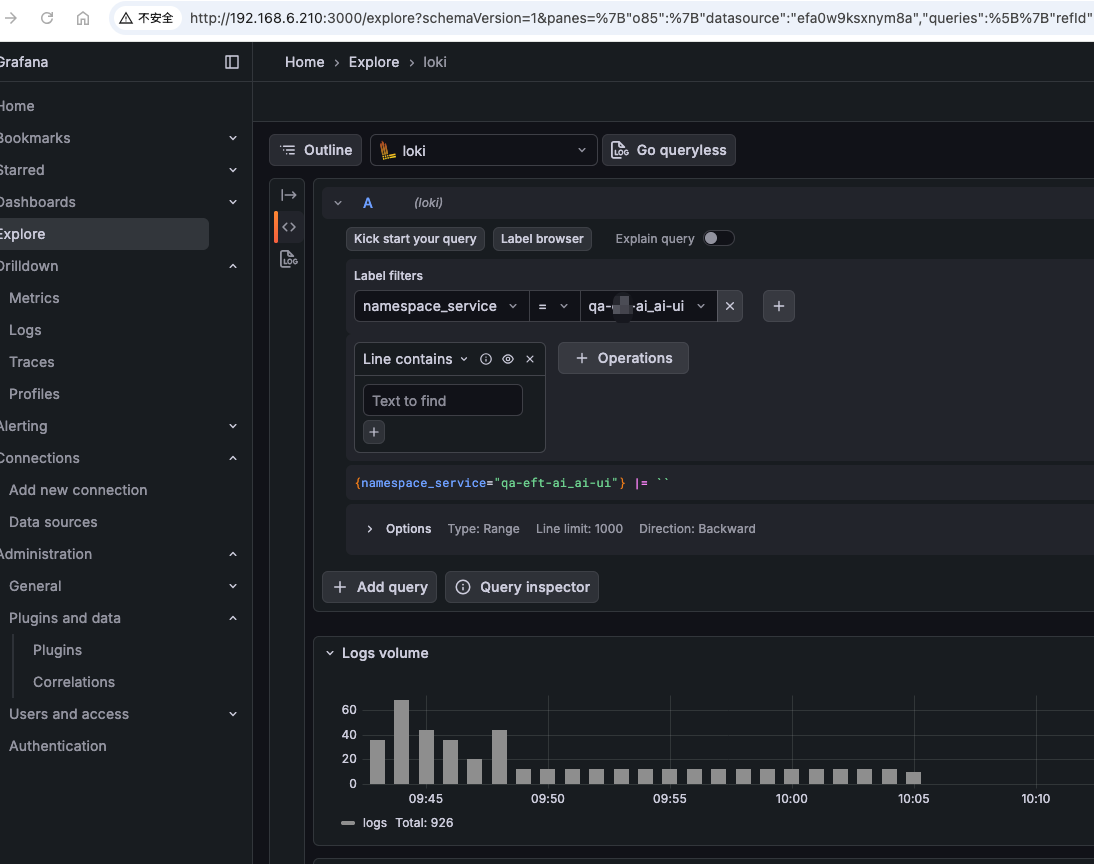
利用kurise做日志采集使用promtail做sidecar采集日志
利用OpenKurise中的kruise做日志采集,原来我使用的是filebeat作为sidecar采集日志的,虽然采集没有什么问题,但是通过es进才看日志就比较繁琐了,这次实验p
系统版本:CentOS Linux release 7.4.1708 (Core)
系统内核:3.10.0-1127.el7.x86_64
kubernetes版本:v1.10.7
docker版本: 17.09.1-ce
unable to ensure pod container exists: faild to create container for /kubepods/burstable/podf1242523-2135abf-200cfcce08 : mkdir /sys/fs/cgroup/memory/kubepods/burstable/podf1242523-2135abf-200cfcce08: no space left on device在节点上创建容器失败
docker: Error response from daemon: OCI runtime create failed: container_linux.go:348: starting container process caused "process_linux.go:279: applying cgroup configuration for process caused \"mkdir /sys/fs/cgroup/memory/docker/f88b5f802a5ddb0fc0b072f01e481911c3fd736092565f6b9047d3c1d0d08e26: cannot allocate memory\"": unknown.
腾讯容器云解决方案地址:https://tencentcloudcontainerteam.github.io/2018/12/29/cgroup-leaking/
网上复现文章地址:http://www.linuxfly.org/kubernetes-19-conflict-with-centos7/?from=groupmessage
docker社区:https://github.com/moby/moby/issues/29638
kubernetes社区:https://github.com/kubernetes/kubernetes/issues/70324
cd $GO_PATH/src/github.com/opencontainers/runc/
make BUILDTAGS="seccomp nokmem"
docker-ce v18.09.1 之后的 runc 默认关闭了 kmem accounting,所以也可以直接升级 docker 到这个版本之后。
KUBE_GIT_VERSION=v1.14.1 ./build/run.sh make kubelet GOFLAGS="-tags=nokmem"
pkg/kubelet/cm/cgroup_manager_linux.go 的 Create 方法中,会调用 Manager.Apply 方法,最终调用 vendor/github.com/opencontainers/runc/libcontainer/cgroups/fs/memory.go 中的 MemoryGroup.Apply利用OpenKurise中的kruise做日志采集,原来我使用的是filebeat作为sidecar采集日志的,虽然采集没有什么问题,但是通过es进才看日志就比较繁琐了,这次实验p

RBAC(RoleBased Access Control)是 Kubernetes 中最核心、最常用的权限控制模型。无论你是平台管理员、SRE,还是 K8s 应用开发者,只要你需

在 Kubernetes 环境下,通过 Filebeat 采集容器日志并将其转发至日志平台(如 Kafka、Elasticsearch)是一种常见的日志解决方案。为了实现日志的可观
评论 0